The online menu
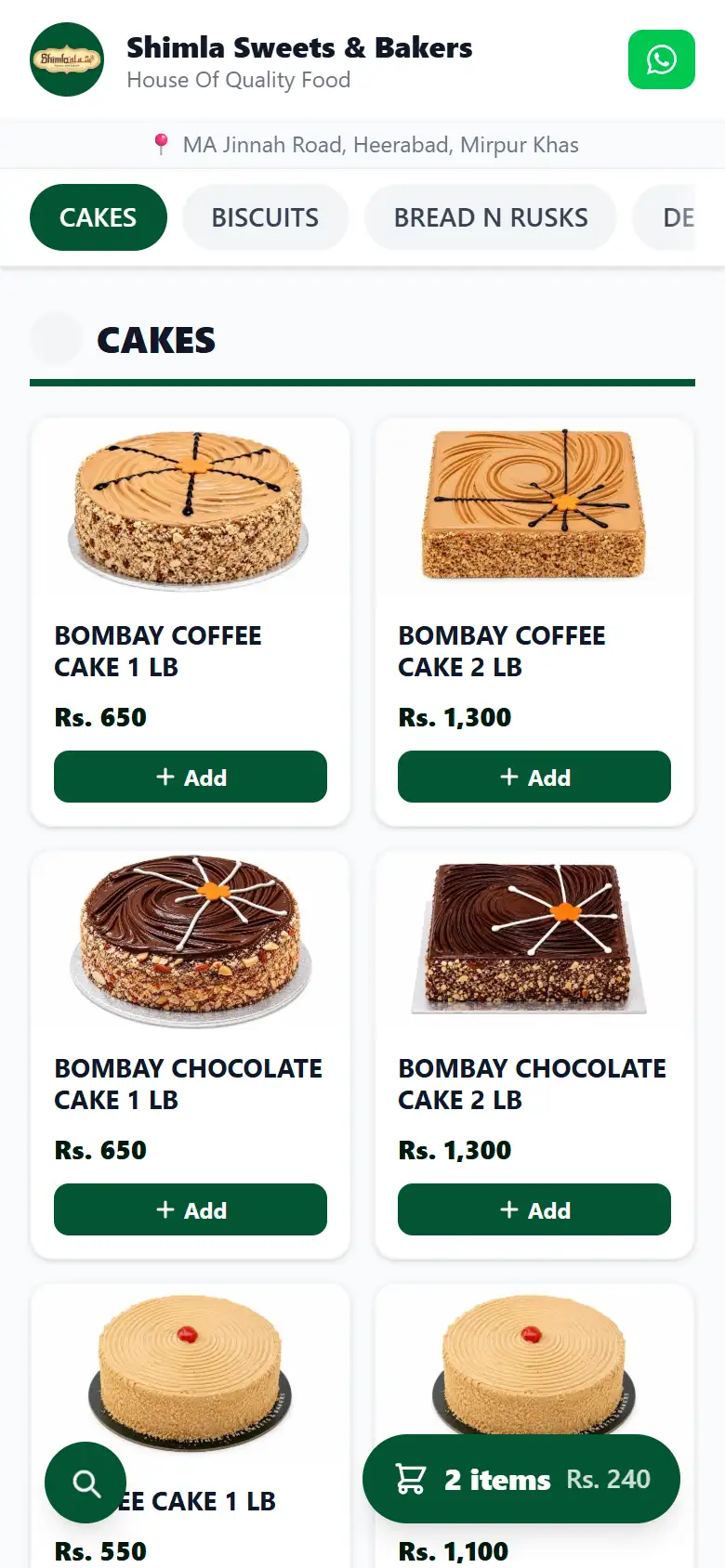
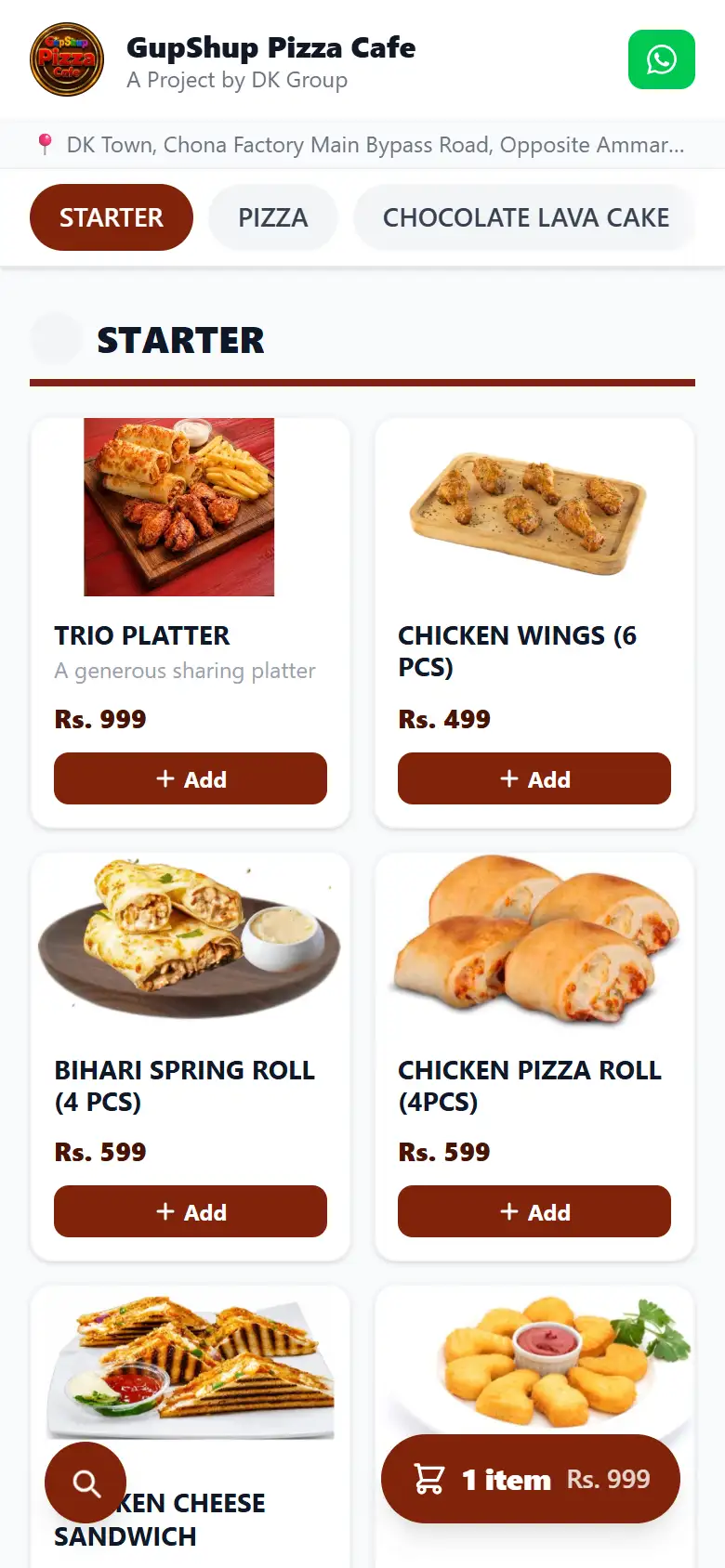
Your menu on your own domain. A customer browses, fills a cart and checks out. The order opens as a ready made message in the customer's own WhatsApp, addressed to your shop. Nothing to install, on either side.
A branded menu on your own domain, orders arriving as a normal WhatsApp message, and a till that finishes the sale and prints the receipt even with no connection at all.
For restaurants, bakeries and counter shops in Pakistan.
Prices are not listed here. Message us and you will have them in the first reply.
Sold separately or together, on one account.
Your menu on your own domain. A customer browses, fills a cart and checks out. The order opens as a ready made message in the customer's own WhatsApp, addressed to your shop. Nothing to install, on either side.
A till that runs in a browser on a cheap Android tablet or any desktop. It prints real thermal receipts and kitchen tickets, and it does not stop when the line does.
Each sale is written to the tablet and printed before the till tries to reach any server. Nothing waits on the network.
Six things this does that the desktop tills in this market do not.
A cheap Android tablet or any desktop. No Windows licence, no dedicated point of sale hardware and no installer to run.
Every sale is written to the tablet and printed before any server is contacted. The queue drains when the line comes back.
Receipts and kitchen tickets print straight to standard 58mm and 80mm printers over Bluetooth or USB-C.
Each terminal issues its own receipt numbers, so two counters can both sell offline without ever making a duplicate.
Item names print in Urdu where you have entered one, sent to the printer as an image because thermal printers have no Urdu characters.
Orders reach your WhatsApp on your own domain. No marketplace sits in between and no commission is taken on an order.
Item names print in Urdu on the kitchen ticket wherever you have entered one. Urdu is sent to the printer as an image, because a thermal printer carries no Urdu characters of its own.
The same printer produces the customer receipt in English. Both go out as ESC/POS bytes over Bluetooth or USB-C, not through a browser print dialog.
Worth reading before you buy. If one of these matters to your shop, this is not the right system and it is better to know now.
Yes. The till writes each sale to the tablet and prints the receipt before contacting any server, so a sale completes during load shedding or an ISP outage. The queue syncs later and cannot double charge.
No. A customer opens the shop menu in a web browser, adds items to a cart, and the order opens as a prefilled message in that customer’s own WhatsApp. No app, no account and no download is involved.
Prices are not listed on this site. Message us on WhatsApp and you will get the one time setup fee and the monthly figure in the first reply, with no form to fill in first.
No. This system takes no online payment of any kind. An order is placed on the menu page and money is collected at the counter or on delivery. There is no card processing, no wallet and no payment gateway.
No. This system has no FBR, PRA, SRB or GST integration, no tax fields, no fiscal invoice numbers and no QR code on the receipt. A shop that needs fiscal reporting must handle that separately.
The till runs in a web browser, so a cheap Android tablet or any desktop computer works. No Windows licence and no dedicated point of sale hardware is needed. Thermal printers connect over Bluetooth or USB-C.
Setup is done by hand, so the first step is a conversation, not a signup form.